> For the complete documentation index, see [llms.txt](https://docs.kaisar.io/kaisar-network/llms.txt). Markdown versions of documentation pages are available by appending `.md` to page URLs; this page is available as [Markdown](https://docs.kaisar.io/kaisar-network/kaisar-architecture/products/kaisar-onenode/kaisar-provider/how-to-manage-kaisar-provider/connect-wallet.md).
# Connect wallet
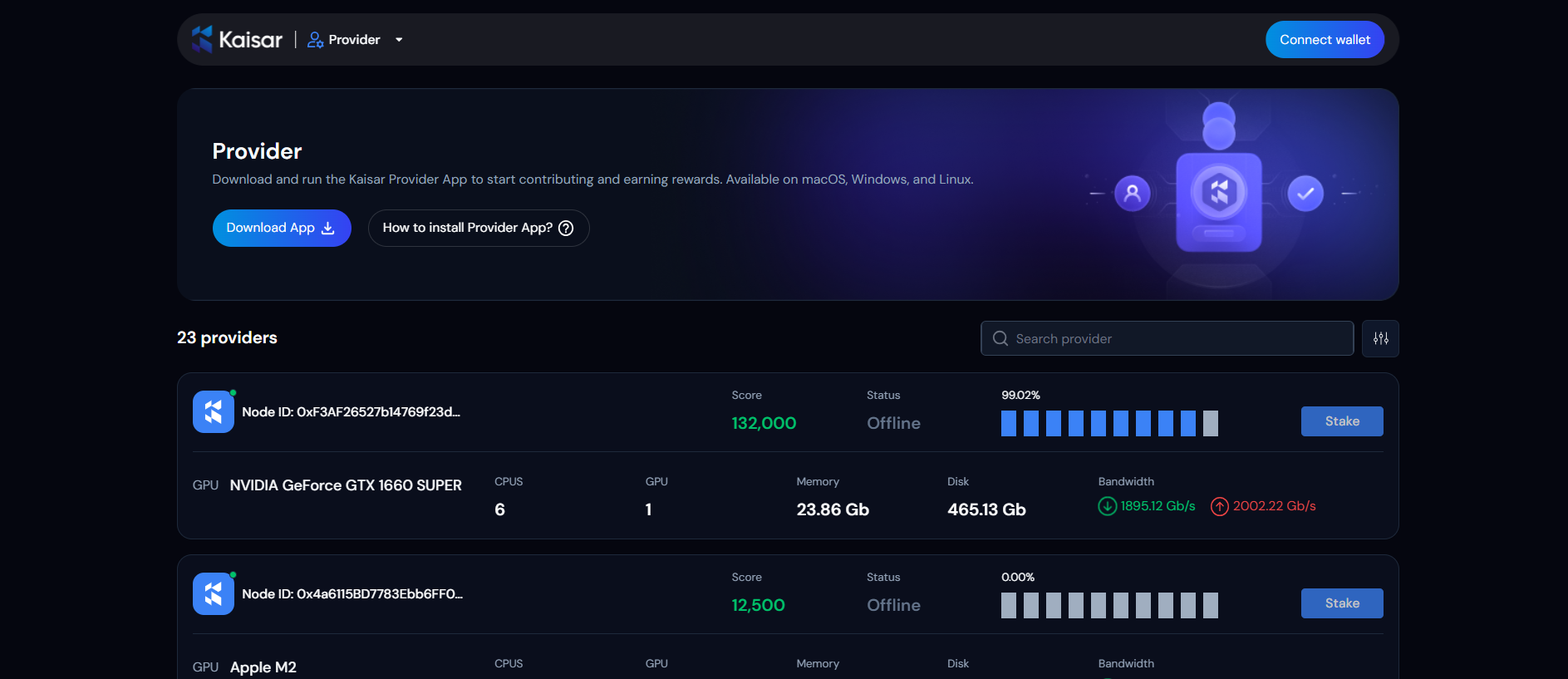
1. **Connect Wallet**: Click the **"Connect Wallet"** button on the interface.
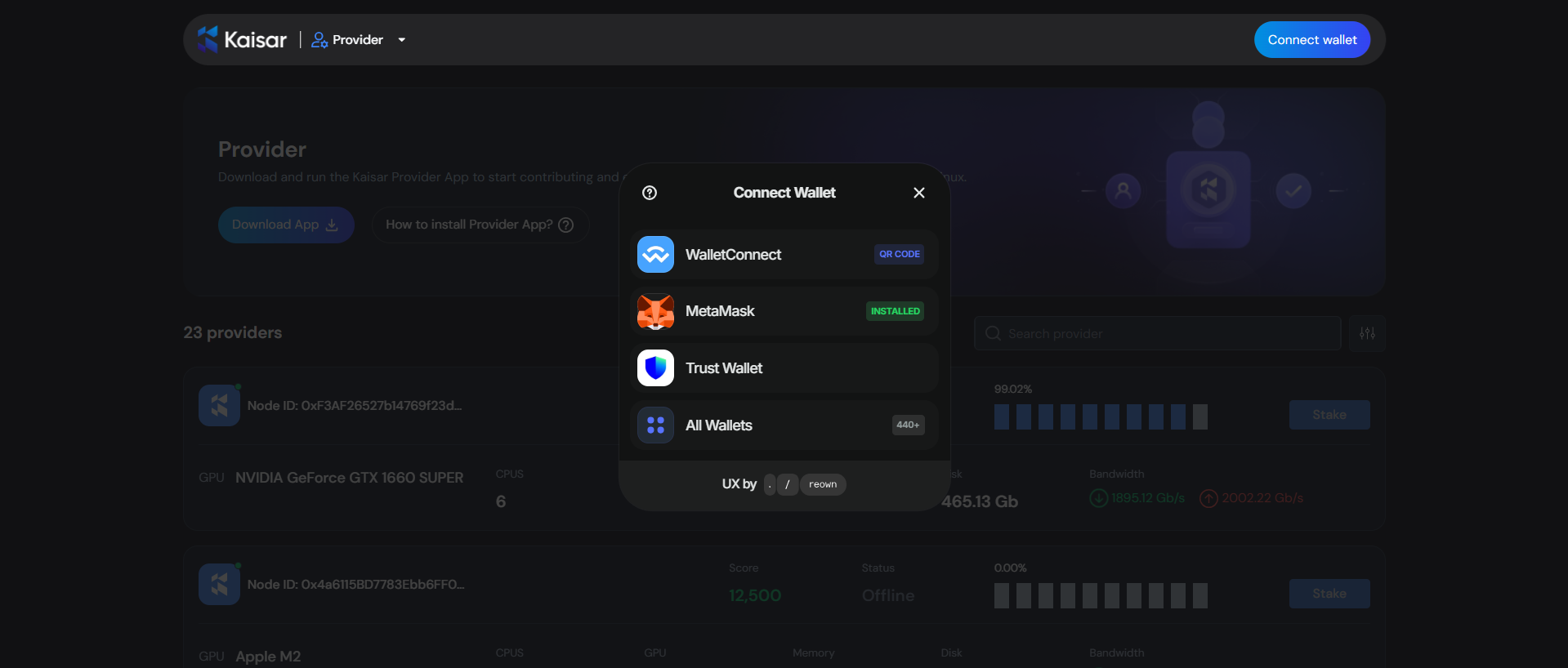
2. **Select Wallet:** Choose your preferred wallet and connect to it.
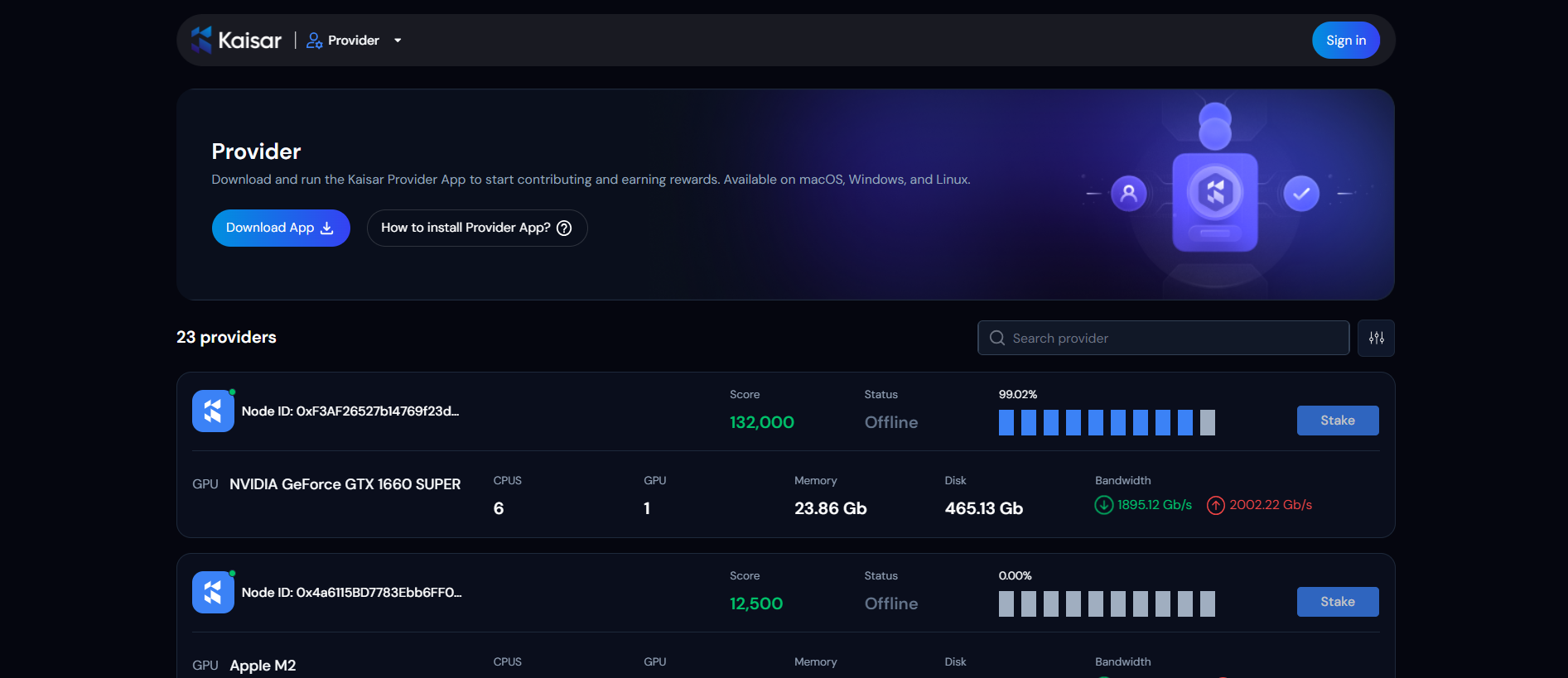
3. **Sign In:** Click the **"Sign In"** button to confirm and complete the login process with your wallet.